
EM77 Login
EM77 Login – Secure Account Access for Philippine Players
EM77 Login is the account access process for registered users of the em77 online slot gaming platform. It allows eligible players in the Philippines to sign in using their registered mobile number and password, subject to the platform’s current authentication requirements.
Whether you’re returning on an Android phone, using an iPhone, or experiencing a password error, understanding the correct Login procedure can help prevent unnecessary account problems.
How to Login to Your EM77 Account
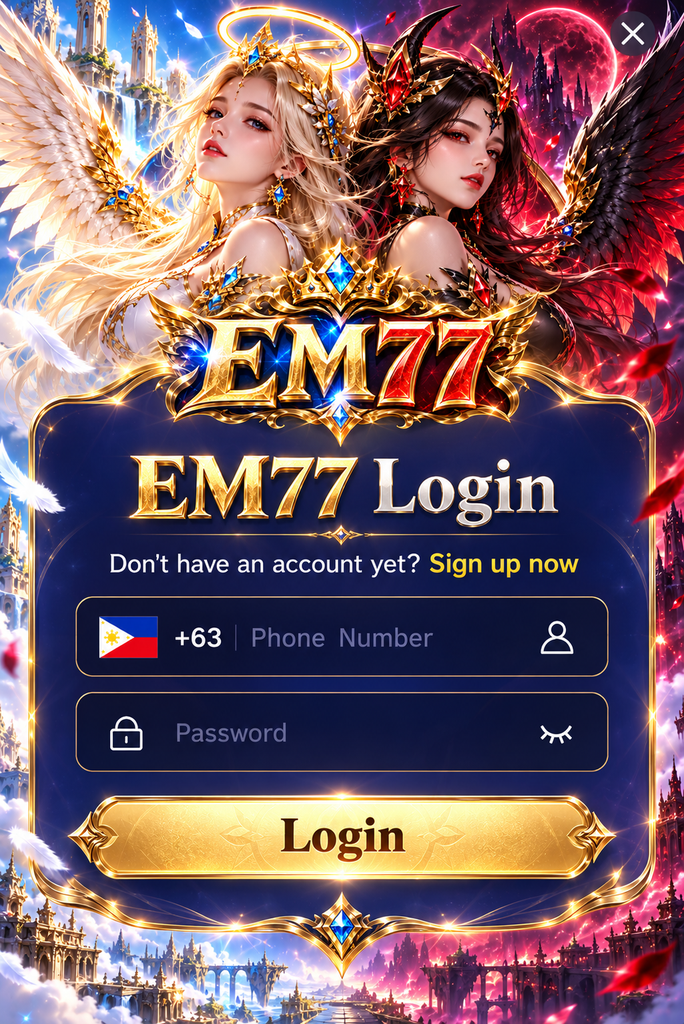
The EM77 Login interface is designed around mobile number authentication, with the Philippine country code +63 displayed in the phone number field.
Steps to Access Your Account
- Open the verified em77 website or authorized mobile application.
- Select the Login option to open the account access screen.
- Enter your registered Philippine mobile number in the +63 field.
- Type your password carefully, checking uppercase and lowercase characters.
- Select Login to submit your credentials.
- Complete any additional security verification requested by the platform.
Before entering personal information, confirm that the website belongs to the authorized operator. Avoid unfamiliar websites promising special Login access or account rewards.
EM77 Login Requirements
| Requirement | Description |
|---|---|
| Registered Account | An existing EM77 account |
| Mobile Number | Registered Philippine number |
| Country Code | +63 |
| Password | Account password |
| Device | Android, iPhone, or computer |
| Internet | Stable Wi-Fi or mobile data |
| Verification | Additional checks when required |
The exact authentication requirements may vary according to the platform’s current account security settings.
EM77 Login Problems and Practical Solutions
Login difficulties do not always indicate an account suspension. Incorrect credentials, network interruptions, and browser issues can produce similar errors.
Incorrect Mobile Number or Password
Check that the phone number matches the one used during registration.
Philippine mobile numbers commonly begin with 09 in domestic format, while the international format uses +63. For example, 0917 123 4567 becomes +63 917 123 4567. Follow the format required by the Login field.
If your password is rejected, check for accidental spaces or typing errors before submitting another attempt.
Login Page Not Loading
Unstable connections can interrupt account access, particularly when switching between mobile data and Wi-Fi.
Try reopening the page, updating your browser, or reconnecting to a reliable network. Avoid repeatedly submitting credentials while the page is unresponsive.
Account Access Troubleshooting
| Issue | Recommended Solution |
|---|---|
| Incorrect password | Check credentials or use official recovery |
| Mobile number rejected | Verify the +63 number format |
| Login page freezes | Restart browser and reconnect |
| Verification fails | Check the requested code and expiration |
| Account temporarily restricted | Contact verified customer support |
| Unexpected security warning | Stop and verify the website |
If repeated attempts are unsuccessful, use the platform’s authorized recovery process rather than creating duplicate accounts.
Forgot Your EM77 Password?
Losing access to a password can be frustrating, especially when your account is connected to a mobile number you no longer use.
If the verified service provides a password recovery function, select it and follow the instructions displayed.
You may be asked to confirm your registered number or complete an identity check before creating a replacement password.
Choose a unique password that is not used for banking, email, or other gaming accounts.
Never share one-time verification codes or account recovery information with someone contacting you through unofficial messaging channels.
EM77 Login on Android and iPhone
Mobile users often prefer accessing accounts directly from their phones rather than switching to a desktop computer.
EM77-branded services advertise mobile access, although the authenticity of a dedicated official application should be independently confirmed before installation.
Android Account Access
Android users can access a verified mobile website through a compatible browser. If an authorized EM77 App is available, its publisher and download source should be checked before installation.
Keeping Android security features enabled reduces exposure to potentially harmful applications.
iPhone Account Access
iPhone users can access a compatible website through Safari without installing an Android APK.
Where supported, Safari’s Add to Home Screen feature creates a shortcut for returning to the website.
For installation and device compatibility details, refer to the dedicated EM77 App guide.
Protecting Your EM77 Account
Account security matters because gaming profiles may contain personal identification details and financial transaction records.
Use a private device whenever possible, especially when accessing account information.
Avoid saving passwords on shared phones or public computers. If you use a shared device, sign out after each session and avoid leaving account information visible.
Legitimate account assistance should never require disclosing your complete password.
Players should also verify the platform’s operating company and Philippine regulatory authorization before submitting sensitive personal information or making financial transactions. EM77’s current licensing status has not been independently confirmed here.
EM77 Register – Creating an Account
Visitors who do not have an existing account can select the Register option shown on the em77 interface.
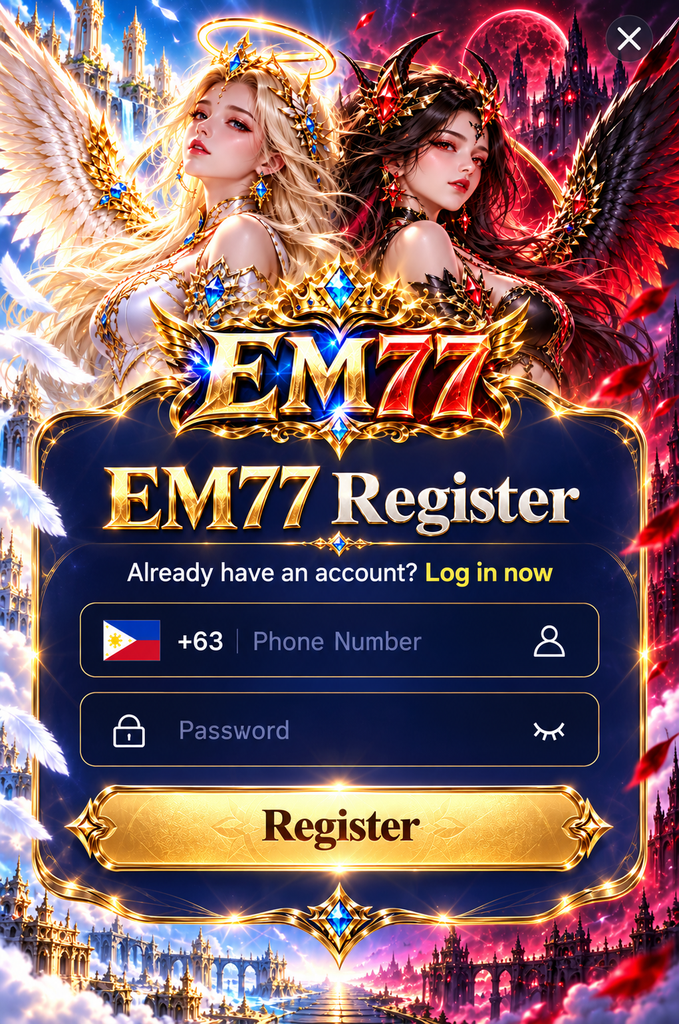
The registration screen includes a Philippine mobile number field and a password field. Additional eligibility or identity verification may be required by the actual service.
Before registering, review the applicable terms, privacy policy, minimum age restrictions, and account eligibility requirements.
Philippine remote gaming participation is generally restricted to eligible adults aged 21 and above, with additional regulatory exclusions.
Frequently Asked Questions
Can I Login to EM77 using my Philippine mobile number?
The illustrated Login interface supports mobile number entry using the +63 country code. Actual access requires valid registered credentials and any applicable verification.
Why can’t I access my EM77 account?
Common causes include incorrect credentials, unstable internet connections, verification failures, or temporary account restrictions. Check the displayed error before attempting recovery.
Can I use the same EM77 account on Android and iPhone?
Cross-device access depends on the platform’s account and security policies. Use only verified access channels and complete any additional authentication requirements.